Get Started

Is managing your agency’s hosting offering becoming a bottleneck to growth? As your client list expands, the manual processes that worked for a handful of sites quickly become unsustainable.
Juggling logins across multiple providers, manually running updates, and responding to one-off performance issues consumes valuable time, creates security risks, and prevents your team from focusing on what they do best: building incredible digital experiences.
The problem is that as your agency scales, manual hosting management simply doesn’t. It becomes a source of unnecessary complexity, inefficiency, and reduced profit margins. The solution lies in leveraging a strategic stack of tools designed to automate, streamline, and scale your hosting services.
This isn’t about adding complexity; it’s about investing in efficiency. This guide will explore the top categories of tools that can help your agency efficiently manage and grow its hosting offering, transforming it from an operational burden into a profitable, scalable revenue stream.
Why tools are crucial for scaling your hosting offering
Moving from a reactive, manual approach to a proactive, tool-driven one is fundamental to scaling your agency. The right toolset provides a framework for growth, delivering tangible benefits across your entire operation.
Knowledge workers spend 58% of their day on “work about work”.
- Efficiency and automation: The most significant impact of a good tool stack is the reduction of manual labor. A global study by Asana’s Anatomy of Work Index found that knowledge workers spend 58% of their day on “work about work” instead of the skilled tasks they were hired for. Tools that automate updates, backups, and reporting give this time back to your team.
- Consistency and quality: Automation helps ensure that every client site is managed to the same high standard. Whether it’s security protocols, performance optimizations, or backup schedules, a standardized toolset can guarantee consistency and quality across your entire portfolio.
- Enhanced performance and security: Modern tech stacks allow for proactive management. Instead of waiting for a client to report that their site is slow or down, monitoring tools can alert you to issues in real time, so you can address them before they become a problem.
- Centralized management: The right platform provides a single dashboard to view and manage all your client sites. This “single pane of glass” approach is critical for operational clarity and efficiency.
- Improved client experience: Faster support responses, better uptime, and proactive communication all stem from having the right tools. This improved experience is key to client retention. According to research from Salesforce, 88% of customers are likely to make repeat purchases with companies that offer excellent customer service.
- Increased margins: By reducing the time and manual effort required to manage each client site, you lower your operational costs and increase the profitability of your hosting and maintenance plans.
Essential tool categories for scaling your hosting offering
Managed hosting platform (the foundation)
Before you consider any other tool, you must have a solid foundation. Your hosting platform is the single most important tool in your stack. A premium managed host specializing in WordPress is more than just a server; it’s a suite of integrated tools designed to handle the most complex and time-consuming aspects of website management.
- Purpose: To provide core infrastructure, server management, security, and performance optimization so your agency doesn’t have to.
- Key features:
- Developer tools: One-click staging environments, Git integration, and robust APIs are non-negotiable for a professional, modern workflow.
- Automated backups: Look for platforms that provide automated daily backups with a simple, one-click restore process.
- Performance optimization: A built-in global CDN and advanced caching layers (like WP Engine’s proprietary EverCache®) are essential for ensuring every client site is fast.
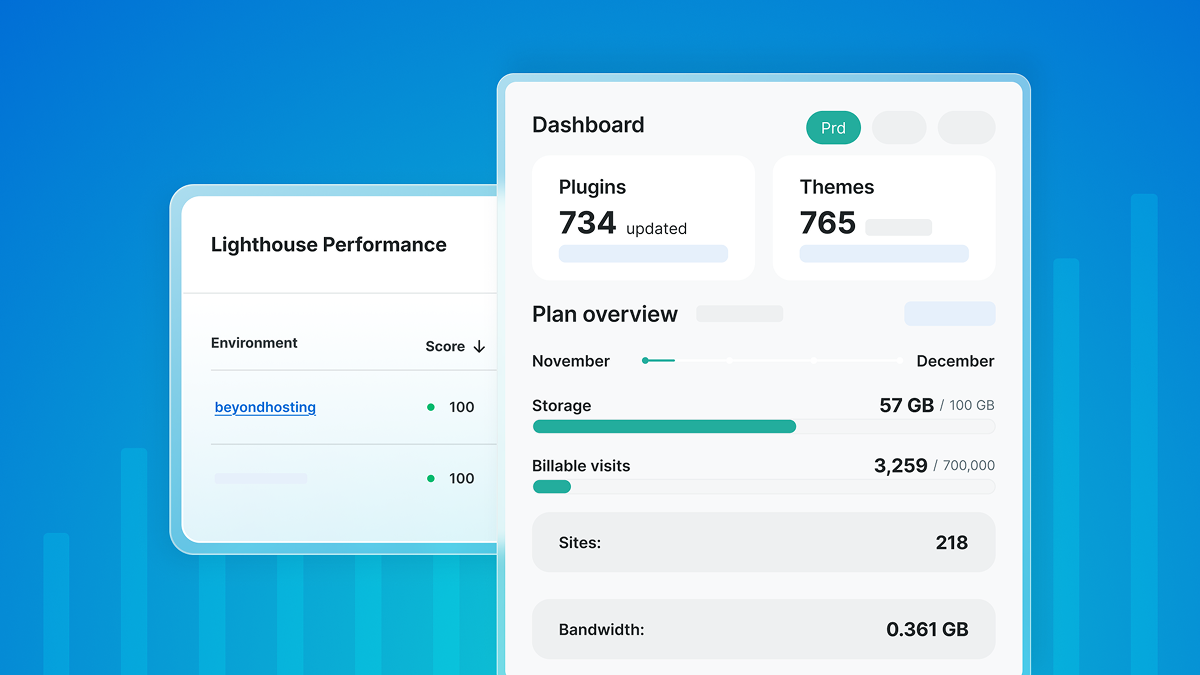
- Agency-specific features: A true agency partner offers tools built for your business model. This includes a centralized dashboard to manage all clients, transferable sites for easy client handoffs, and attractive pricing incentives through an agency partner program or agency-specific plans.
Client management systems
- Purpose: To manage several different aspects of client management. Every single aspect of client management is critical to setting up your agency to scale effectively.
Having these systems perform their function in a way that works for your team is critical, but it’s also important to consider how they work together across the lifecycle of a client relationship. - Key features: Features are going to be different depending on which system you’re evaluating, so let’s take a look at the three key kinds of client management systems you’ll need.
- CRM: Your Customer Relationship Manager, or CRM, handles communications and client details for both prospects and existing clients. Look for a system that includes the channels your agency uses to communicate (email, text, phone, smoke signals, etc.). Depending on your needs, it might make sense to find a CRM that works for both marketing and support, so you have a single source of information and only one system to manage.
- Project management: While there are a ton of options on the market, it’s critical to find a project management solution that works for all your teams and clients. It needs to clearly define projects, all the tasks and subtasks that go into them, and handle communications and approvals while work is being done.
- Invoicing and billing: As your agency scales and you’re creating recurring revenue streams, you need a system that helps automate invoicing, reminders, and payments.
- Examples: HubSpot, Asana, Monday.com, Zoho CRM, and FreshBooks.
Uptime and performance monitoring tools
- Purpose: To proactively monitor client sites for downtime, performance bottlenecks, and security threats so you can fix issues before clients are even aware of them.
- Key features: Real-time uptime alerts, page load speed analysis, and security scanning. While third-party tools exist, the best solution is often one that’s integrated directly into your hosting platform.
- Example: WP Engine’s platform includes Application Performance Monitoring (APM), which gives you code-level visibility to troubleshoot slowdowns, and automated Page Speed reports to track and prove performance improvements to clients.
Security and maintenance automation tools
Having an outdated CMS is the leading cause of website compromises.
- Purpose: To automate the critical but often clunky manual processes of security checks and software updates. A 2023 report from security firm Sucuri found that having an outdated CMS was a leading cause of website compromises.
- Key features: Look for tools that can intelligently automate WordPress core, theme, and plugin updates. The best tools use visual regression testing to check for errors and automatically roll back an update if it causes a problem.
- Example: WP Engine’s Smart Plugin Manager handles this entire process automatically, saving countless hours and preventing broken sites.
Communication and integration tools
- Purpose: To facilitate seamless internal communication and to connect all the other tools in your stack.
- Examples:
- Communication tools: Slack or Microsoft Teams for internal collaboration.
- Integration tools: A platform like Zapier or Make is the “glue” that allows you to create automated workflows between your CRM, project management software, and other tools (e.g., when a client signs a contract in DocuSign, it can automatically create a new project in Asana).
Building your tool stack: best practices
- Audit your current workflow: Before you buy any new tool, map out your current processes. Identify the biggest bottlenecks and the most time-consuming manual tasks.
- Prioritize needs: Address the most painful parts of your workflow first. If you’re spending hours on manual invoicing, a billing system is your top priority. If migrations are a nightmare, a hosting partner with automated migration tools is where you should start.
- Look for integrations: The most powerful tool stacks are those where the tools work together seamlessly. A hosting platform that already includes performance monitoring and automated maintenance tools is inherently more efficient than trying to piece together three separate services.
- Don’t over-tool: It’s easy to get excited and subscribe to a dozen different apps. Start with the essentials—a great hosting platform and a solid project management system—and expand from there as your needs evolve.
Next steps to efficient scaling
Scaling your agency’s hosting offering isn’t about working harder; it’s about working smarter. It requires a strategic shift from manual processes to an integrated system of tools that automates, monitors, and secures your client portfolio. By building your operations on a powerful managed hosting platform and supplementing it with best-in-class tools for management and communication, you can reduce operational drag, improve client outcomes, and transform your hosting services into a significant engine for profitable growth.
Review your current toolset today. Identify the gaps and the manual processes that are holding you back. Investing in the right tools is an investment in your agency’s future, empowering you to scale with confidence.
Ready to build your agency on a platform of powerful, integrated tools? Explore the WP Engine Agency Partner Program and discover how we can help you grow your business.